





Everything important at a glance for this product

Delivery is available within 3 hours during working hours for products that do not require installation or assembly

Installment options available for this product: Deema, Taly.

Backed by an authorized agent warranty on eligible products



 Estimated delivery:1 work day
 Free return within: 14 days of purchaseSecure shopping your data is always safe
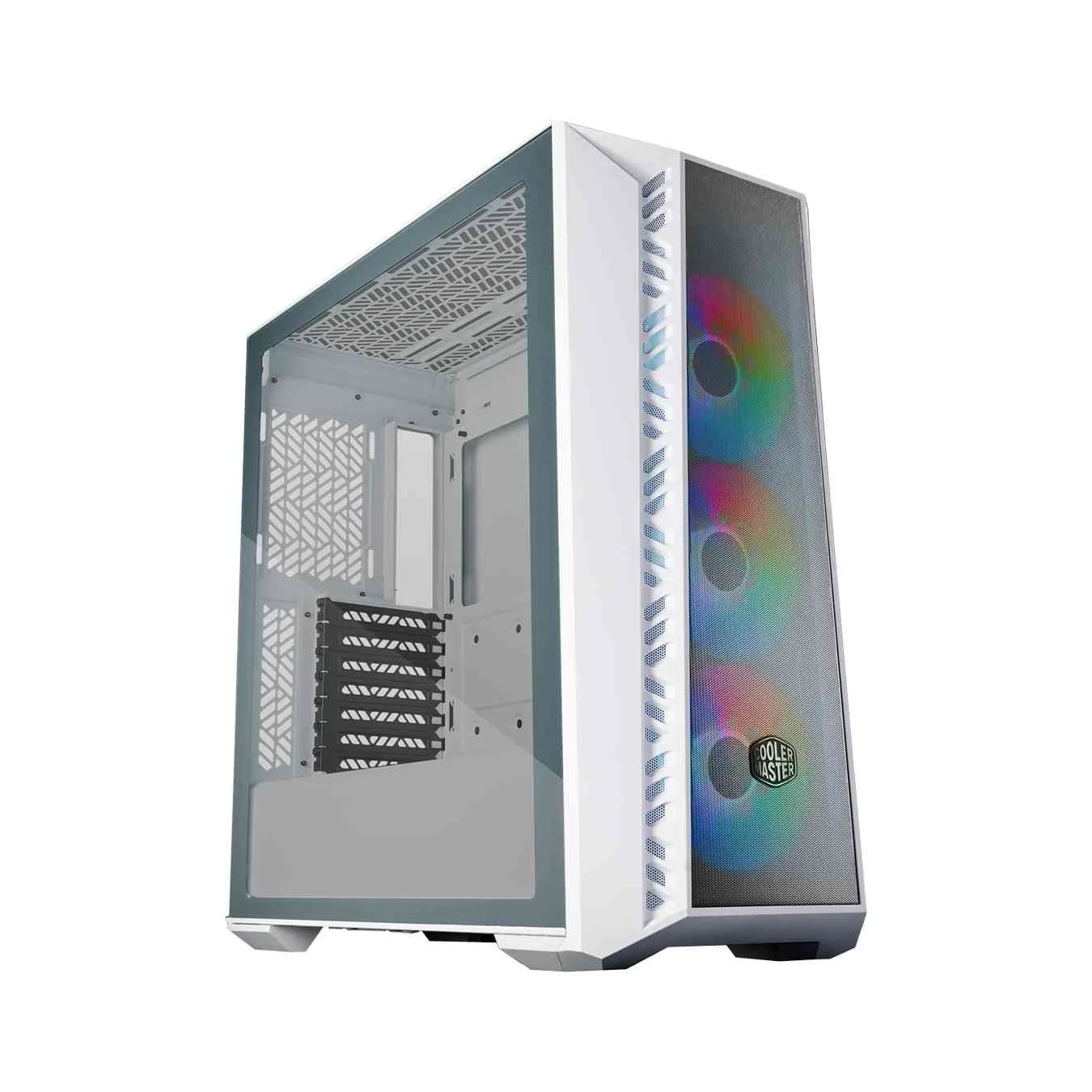
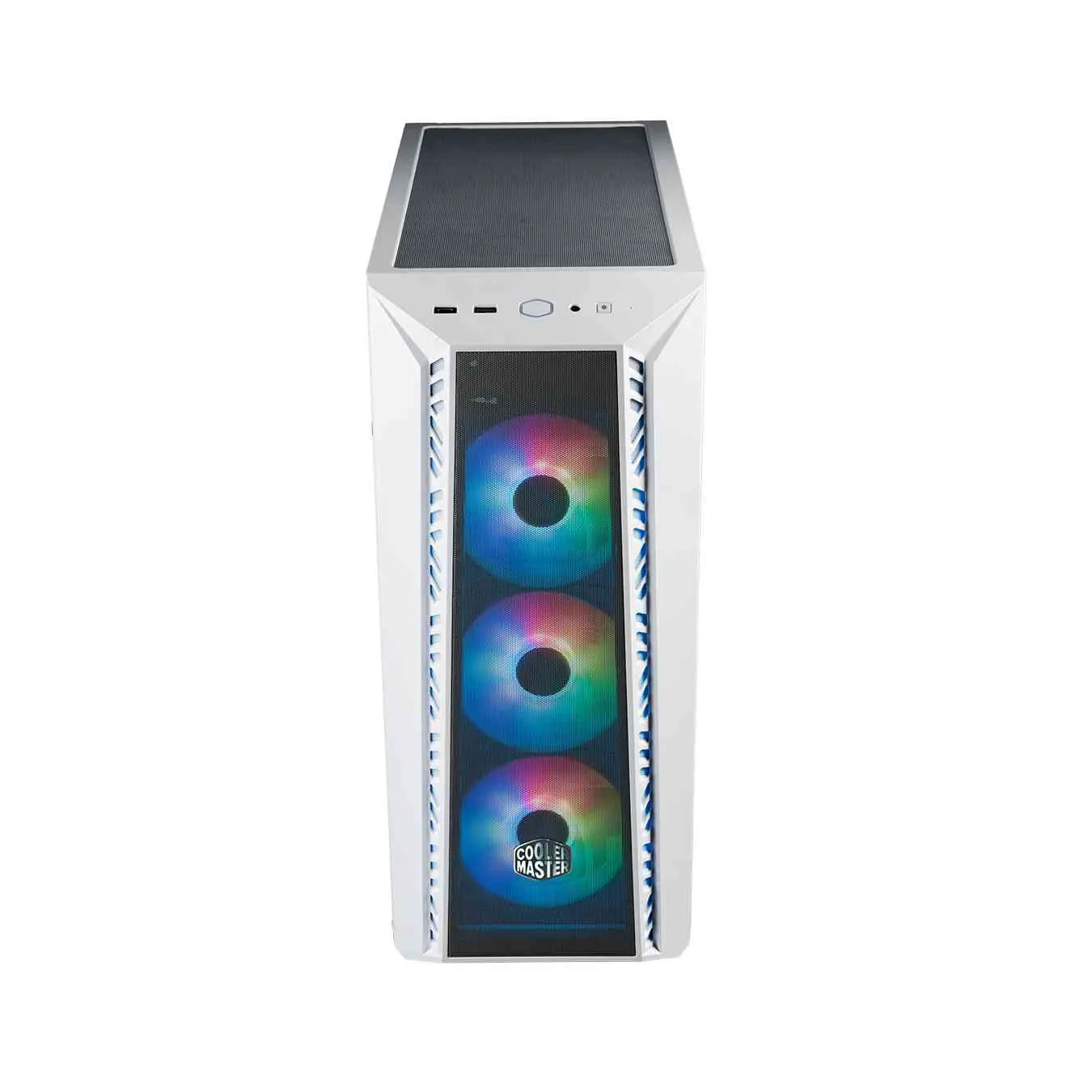
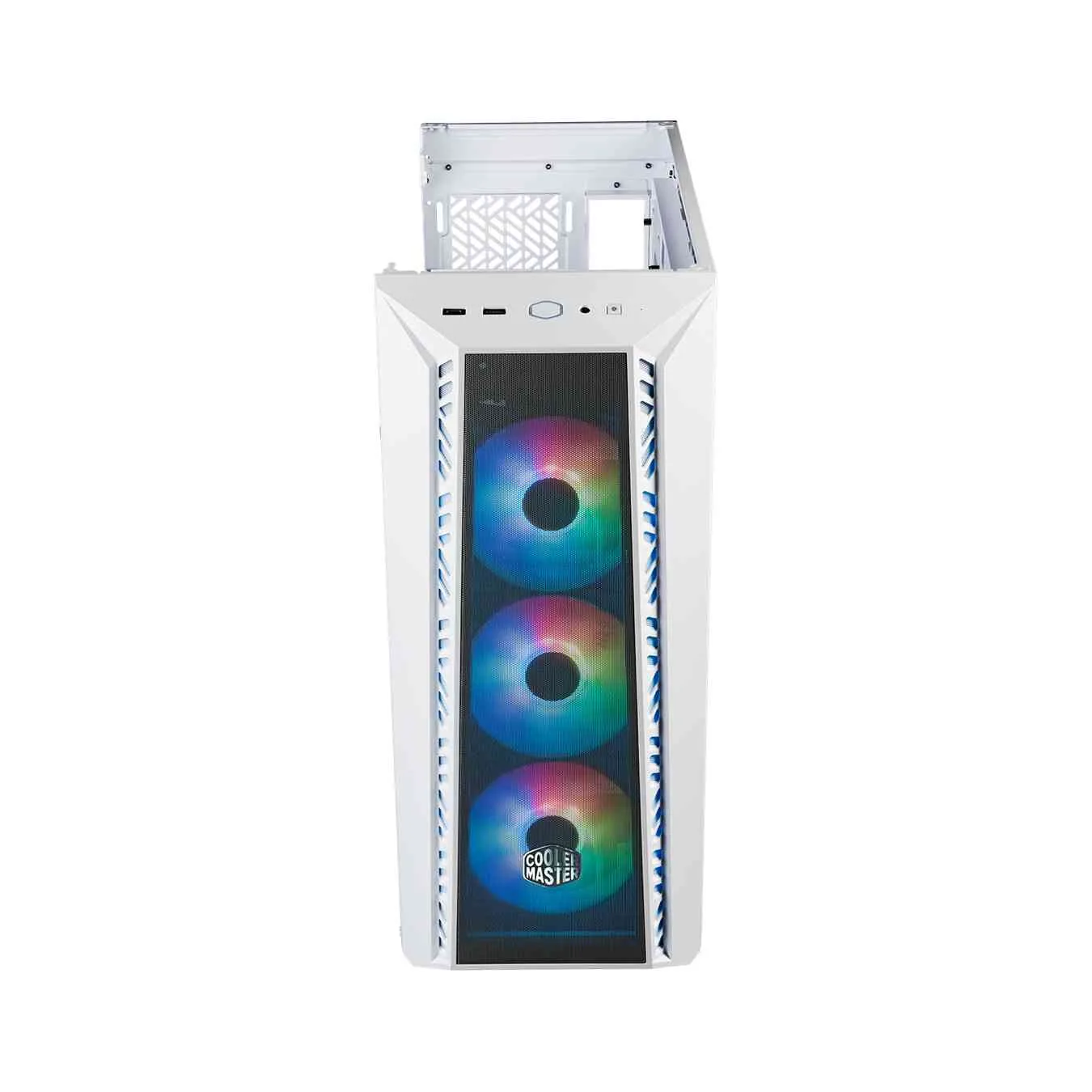
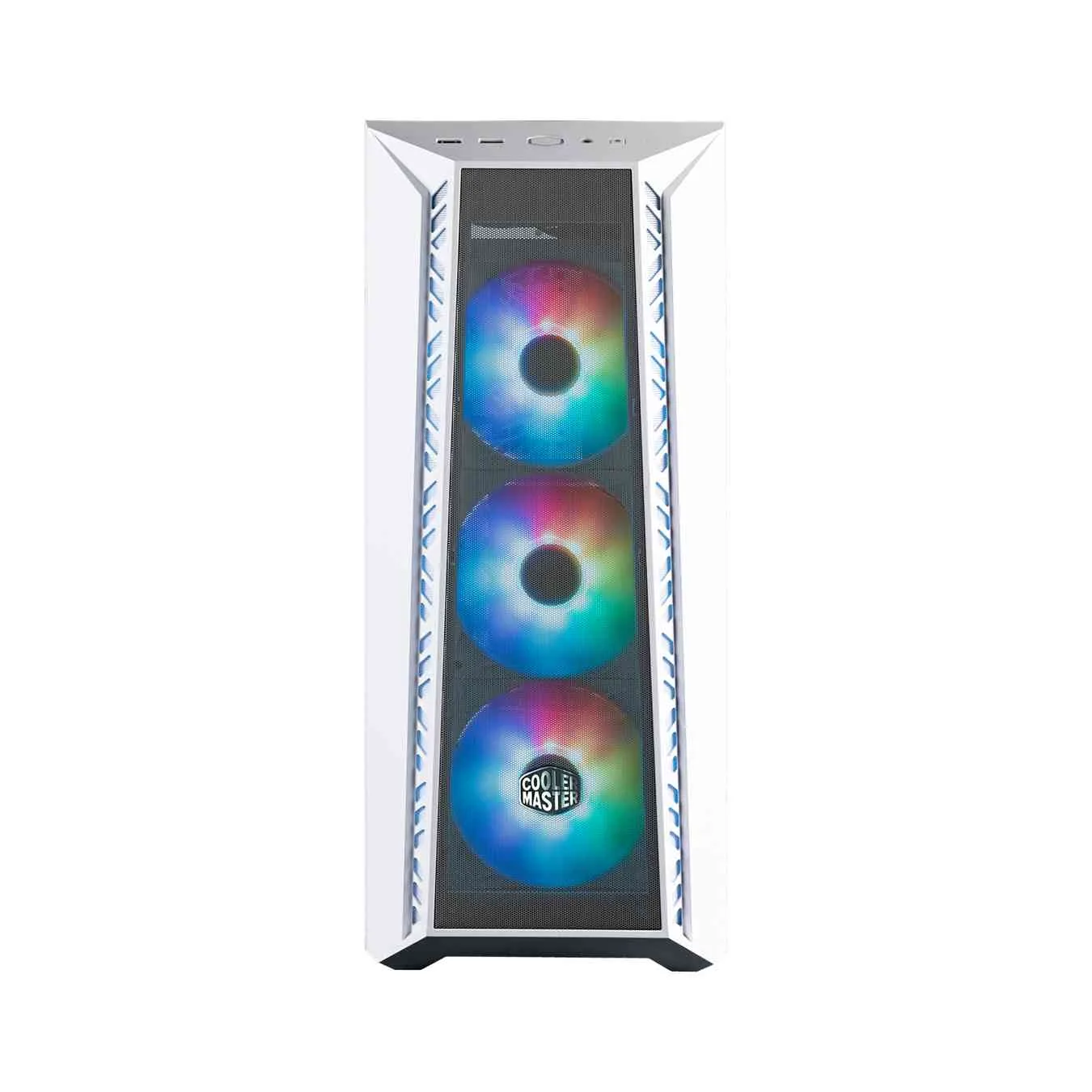
Optimal Airflow DesignThe Cooler Master MasterBox 520 features a mesh front panel that enhances airflow while maintaining a sleek aesthetic. This mid-tower case is designed to support extensive cooling options, including three pre-installed CF120 ARGB fans in the front. Additional fan support allows for up to three 120mm or two 140mm fans on the top and front, ensuring efficient heat dissipation. | |
 | |
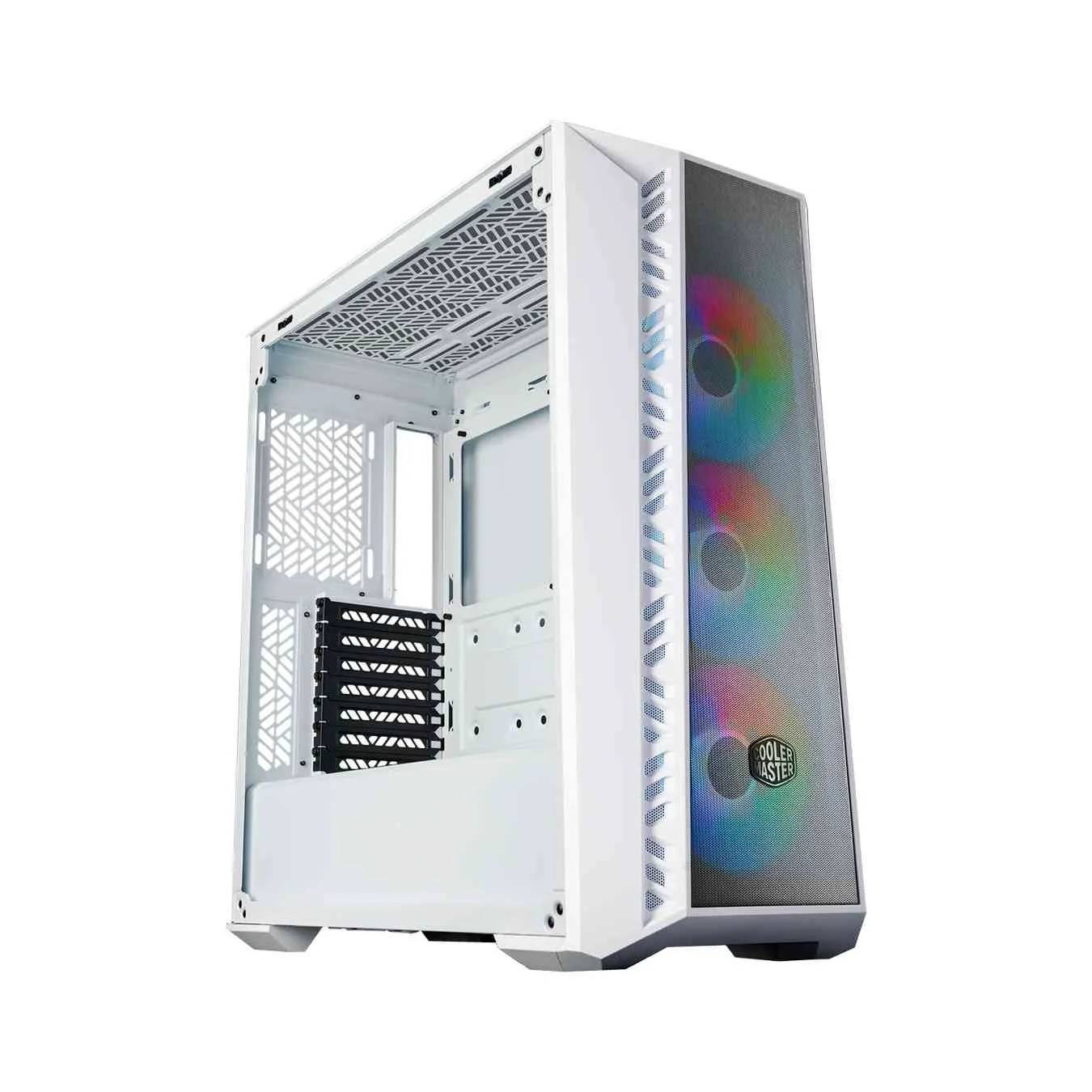 | |
Spacious CompatibilityThis case measures 499 x 210 x 498mm, accommodating a variety of motherboard sizes, including Mini-ITX, Micro-ATX, ATX, SSI-CEB, and E-ATX (up to 12" x 10.7"). It also supports graphics cards up to 410mm and CPU coolers up to 165mm, providing flexibility for high-performance builds. The design includes seven expansion slots for future upgrades. | |
Radiator SupportThe MasterBox 520 is equipped with extensive radiator compatibility, supporting sizes up to 360mm in both the top and front. It also accommodates a 120mm radiator at the rear, making it suitable for liquid cooling setups. This versatility allows users to optimize their cooling solutions based on their specific needs. | |
 | |
 | |
Storage OptionsThis case offers ample storage capabilities with two 3.5" drive bays and three 2.5" drive bays. The layout is designed for easy installation and management of drives, ensuring that users can organize their components efficiently. The inclusion of dust filters at the front, top, and bottom also helps maintain cleanliness and longevity. | |
I/O Panel FeaturesThe I/O panel of the Cooler Master MasterBox 520 includes one USB 3.2 Gen 1 Type A port, one USB 3.2 Gen 2 Type C port, and a 3.5mm audio jack for convenient connectivity. Additionally, it features a reset button and an ARGB control button, allowing users to manage their lighting effects easily. This well-designed panel enhances the overall user experience. | |
 |


 Login
Login

 العربية