





Everything important at a glance for this product

Delivery is available within 3 hours during working hours for products that do not require installation or assembly

Installment options available for this product: Deema, Taly.

Backed by an authorized agent warranty on eligible products


 Estimated delivery:1 work day
 Free return within: 14 days of purchaseSecure shopping your data is always safe
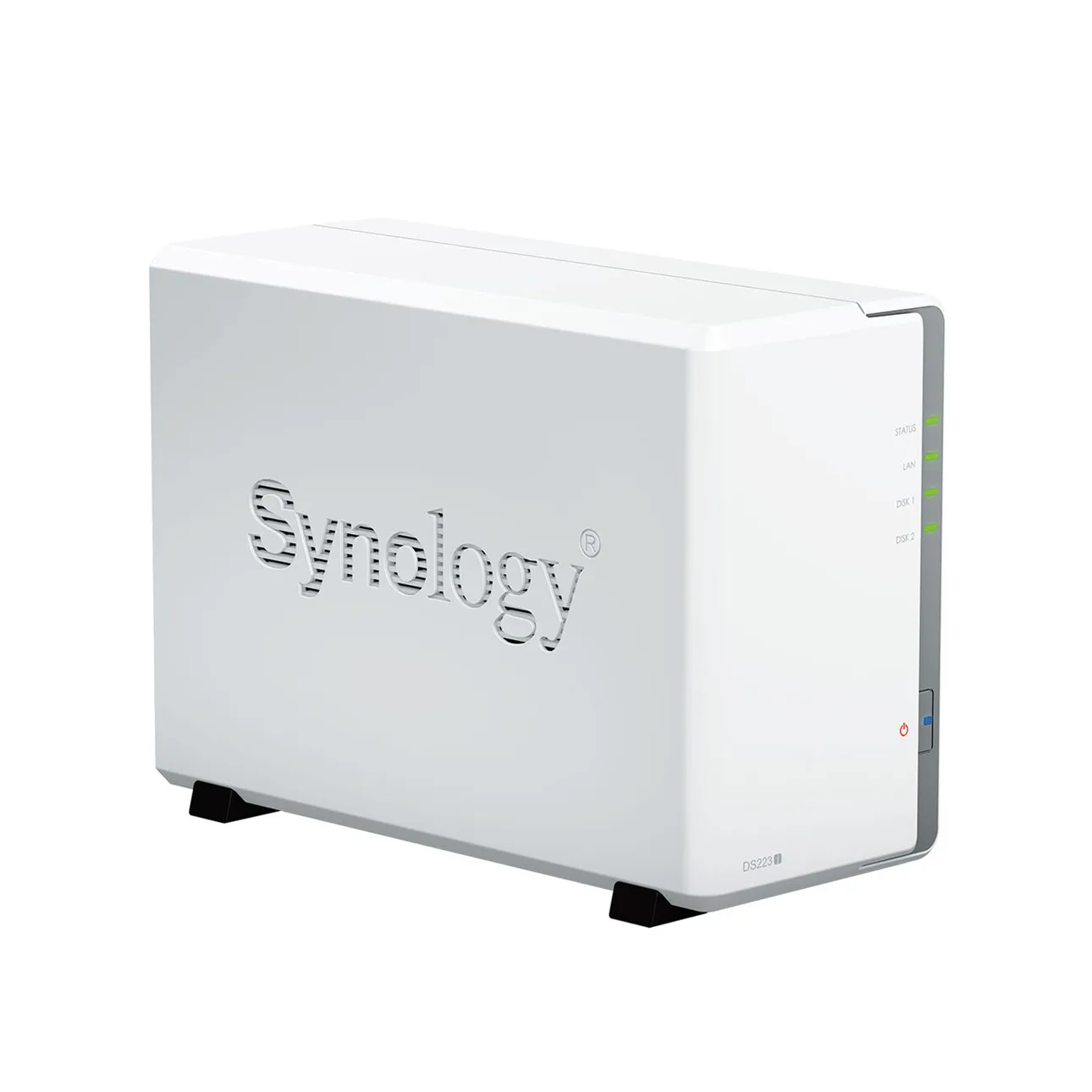
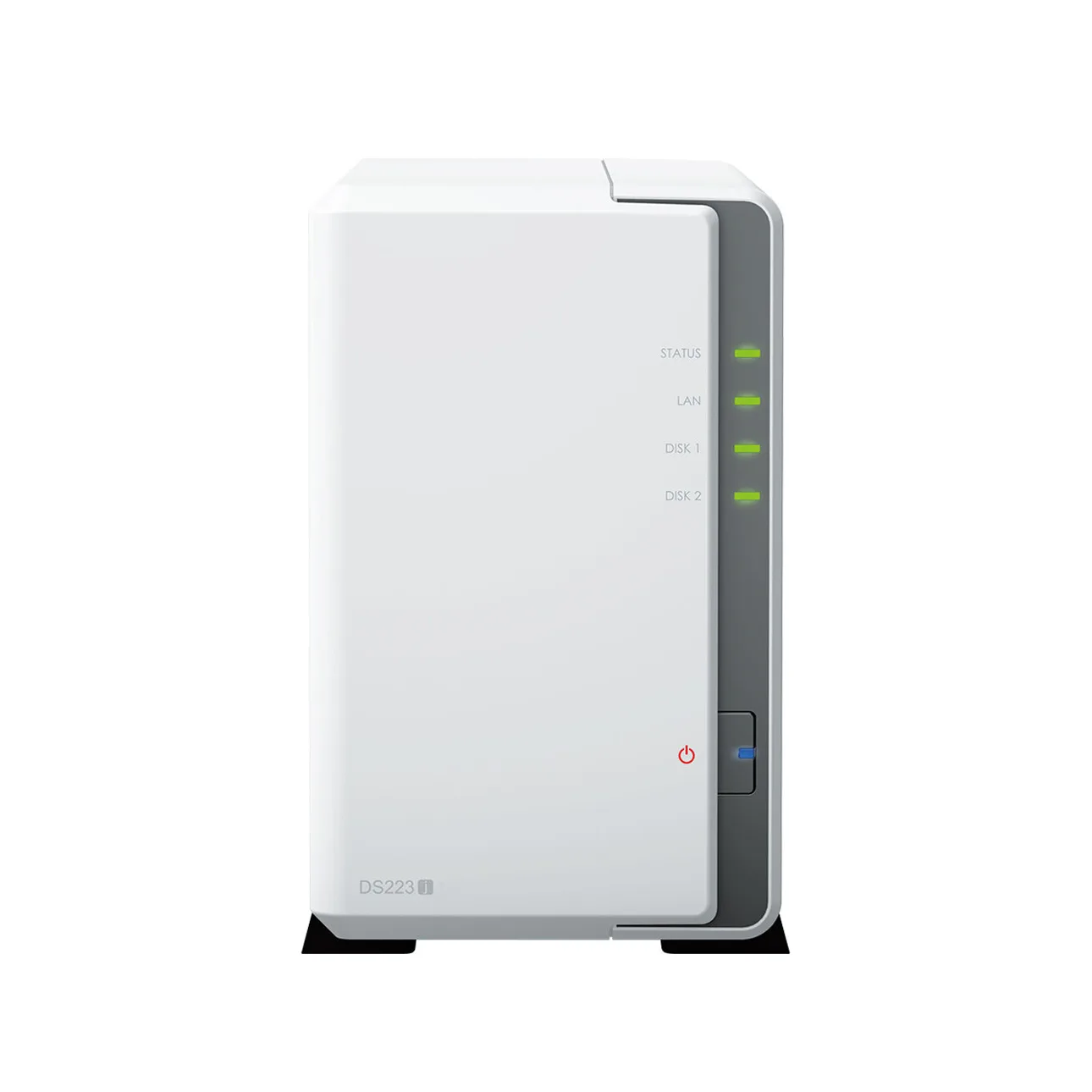
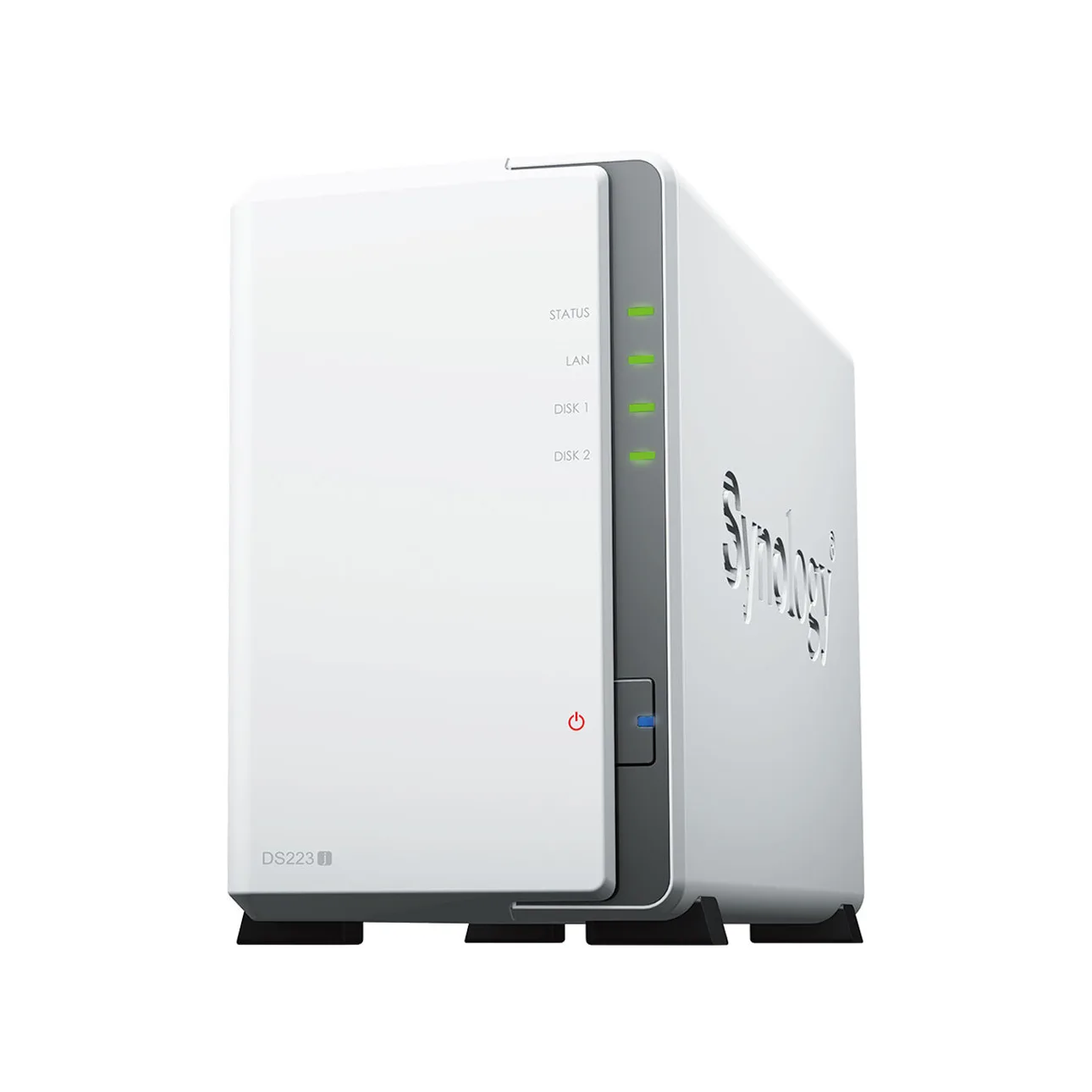
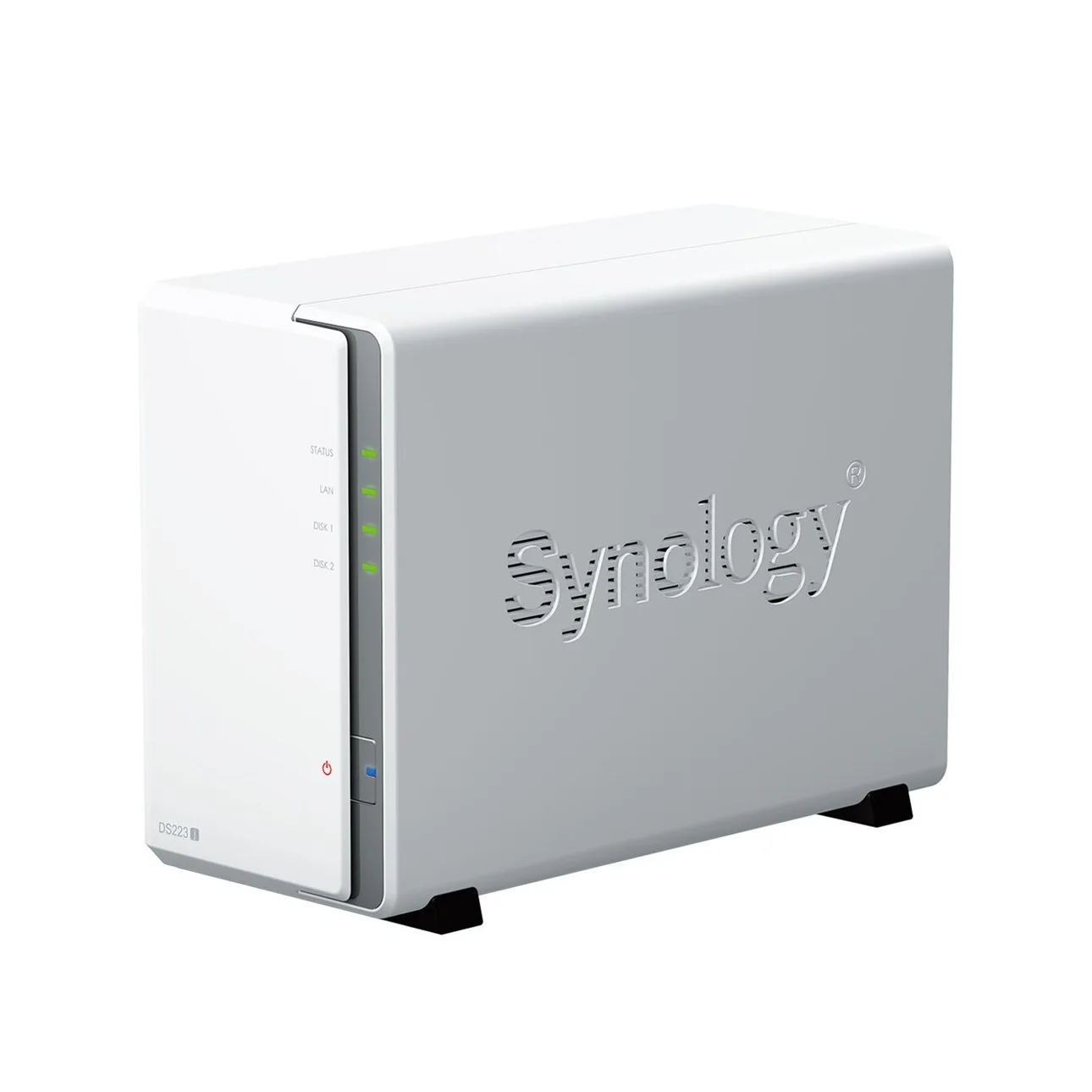
Efficient Data ManagementThe Synology DiskStation DS223j 2-Bay NAS Enclosure is engineered for effective data storage solutions. It features a Realtek RTD1619B quad-core CPU operating at 1.7 GHz, ensuring smooth performance for various applications. The 1 GB DDR4 non-ECC memory supports efficient multitasking. | |
 | |
 | |
Drive CompatibilityThis NAS enclosure supports two drive bays, accommodating both 3.5" SATA HDDs and 2.5" SATA SSDs with an optional disk holder. This versatility allows users to customize their storage solutions based on performance and capacity requirements. The maximum single volume size is 108 TB. | |
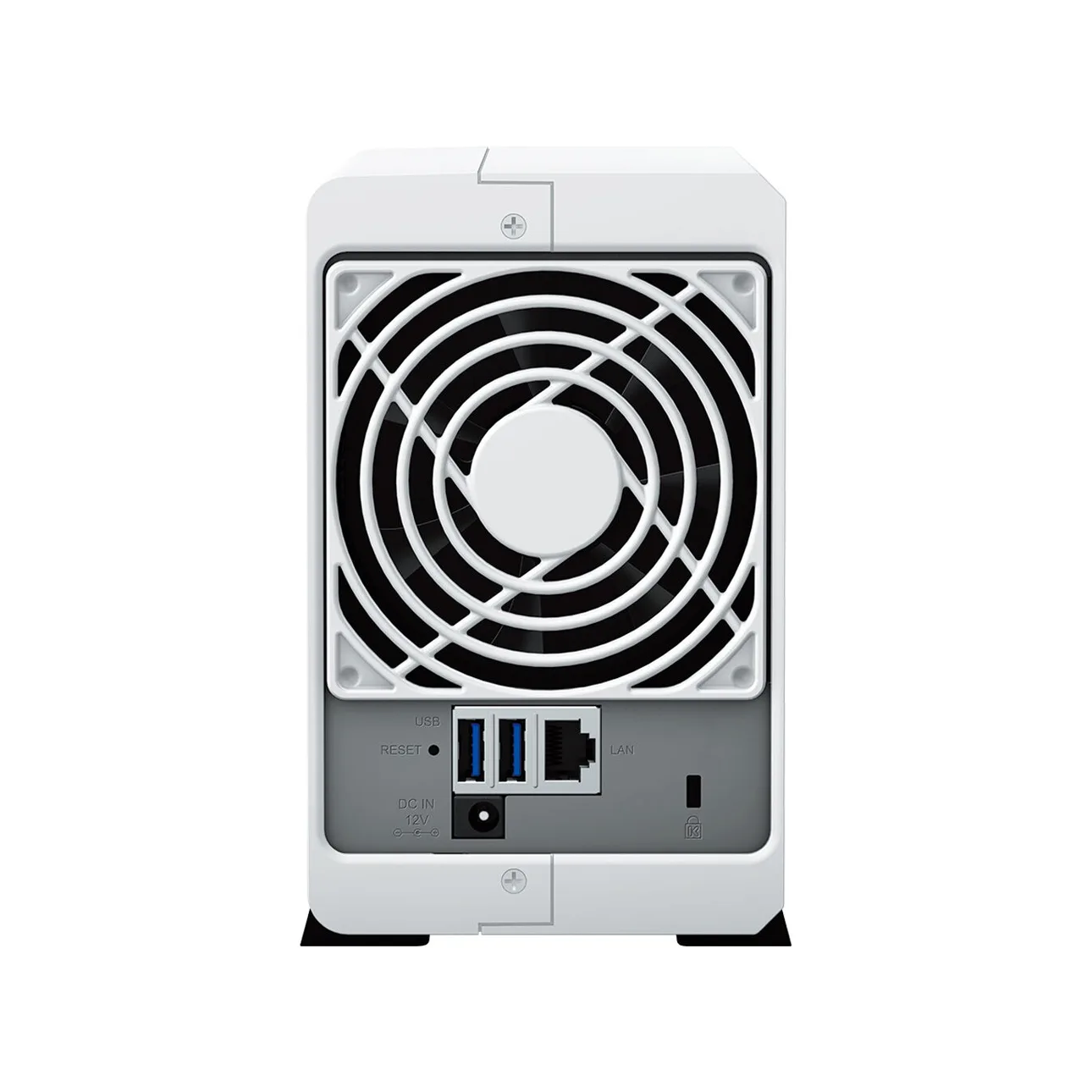
Connectivity OptionsThe DS223j features one RJ-45 1GbE LAN port and two USB 3.2 Gen 1 ports for versatile connectivity. The LAN port supports a maximum transmission unit (MTU) size of 1,500 bytes, ensuring efficient data transfer. This setup allows for easy integration into existing networks. | |
 | |
 | |
RAID ConfigurationsThis NAS offers multiple RAID configurations, including RAID 0, 1, Basic, Hybrid, and JBOD. These options provide users with flexibility in data redundancy and performance optimization. Choose the configuration that best suits your storage needs. | |
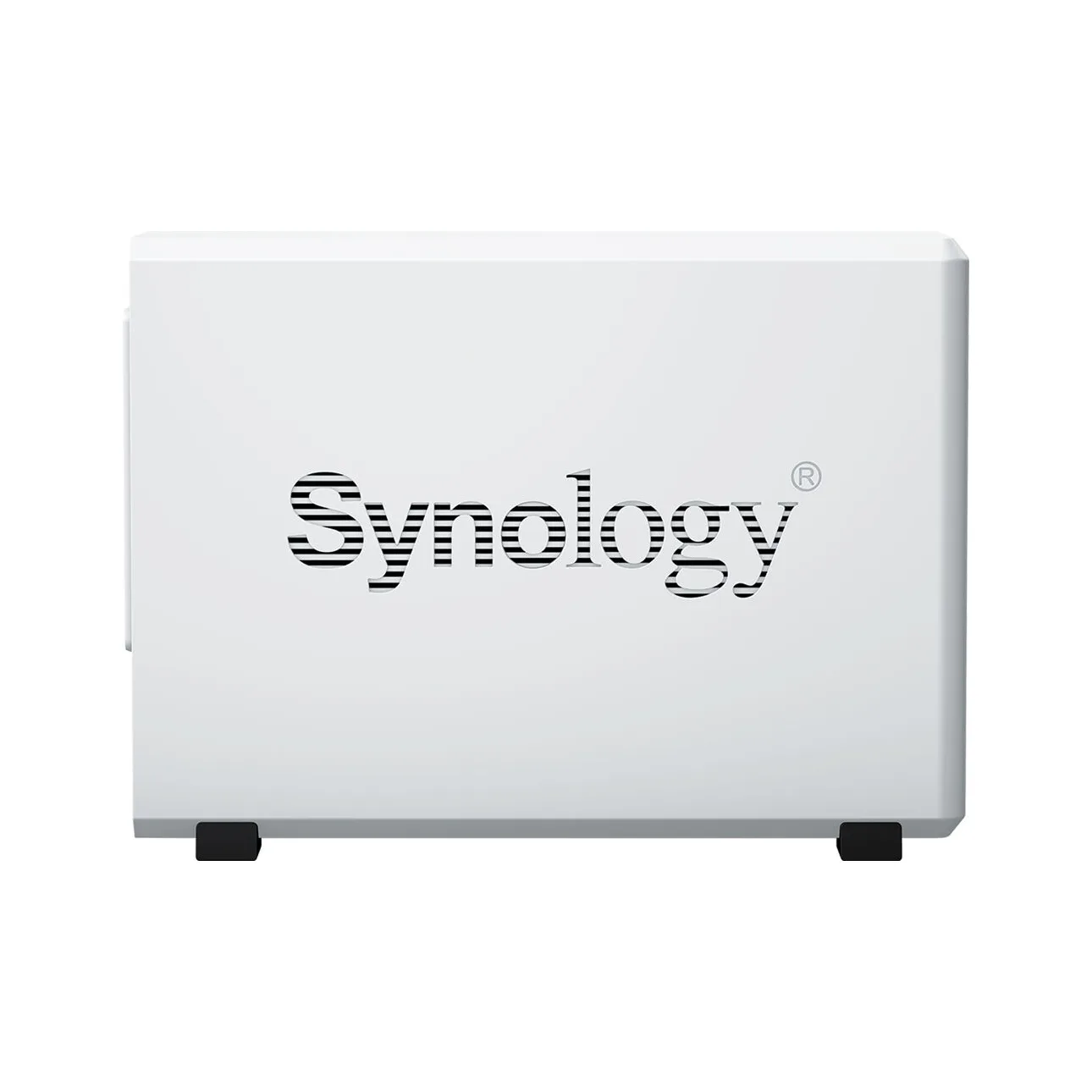
Compact DesignWith compact dimensions of 165 mm x 100 mm x 225.5 mm and a weight of 0.88 kg, the DS223j is designed for space-saving installation. Its sleek black finish complements any workspace, making it an ideal choice for home or office environments. | |
 | |
 | |
Included AccessoriesThe package includes the main unit, an accessory pack, an AC power adapter, an AC power cord, an RJ-45 LAN cable, and a quick installation guide. This comprehensive set ensures that users have everything needed for a straightforward setup and operation. |


 Login
Login

 العربية